
How to play
Finish with the highest net worth: your cash plus your shares at market price. Everyone starts with ₹10,00,000, and all eight companies start at ₹400. Tap a step to learn more.
Short selling
Sell shares you don't own to bet on a fall. The sale money stays locked until you buy them back, and the same amount of your cash is held as collateral. No new shorts below ₹50.
When a price hits ₹0
The company goes into liquidation: next round every position closes at ₹1, and it relists at ₹400 the round after. A player whose net worth falls below zero is out.
Try a round of price discovery
Company A · last close ₹400
Turn on JavaScript to try it.
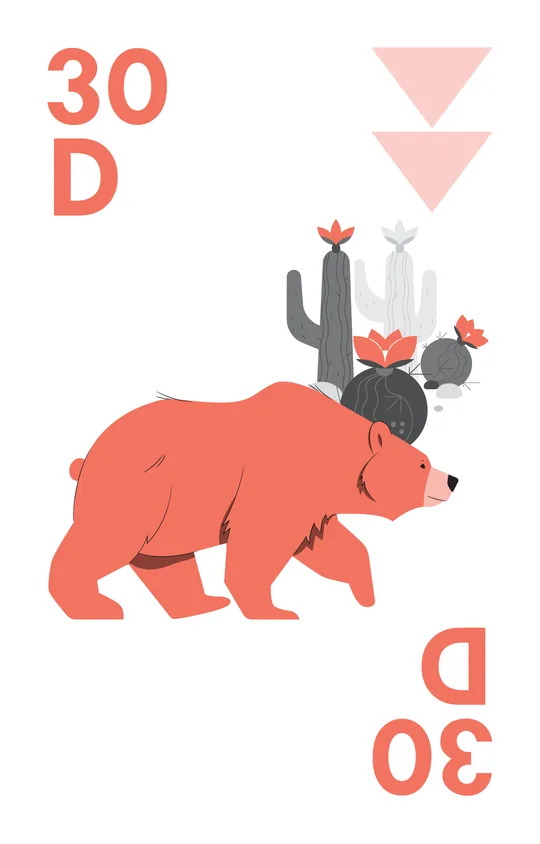
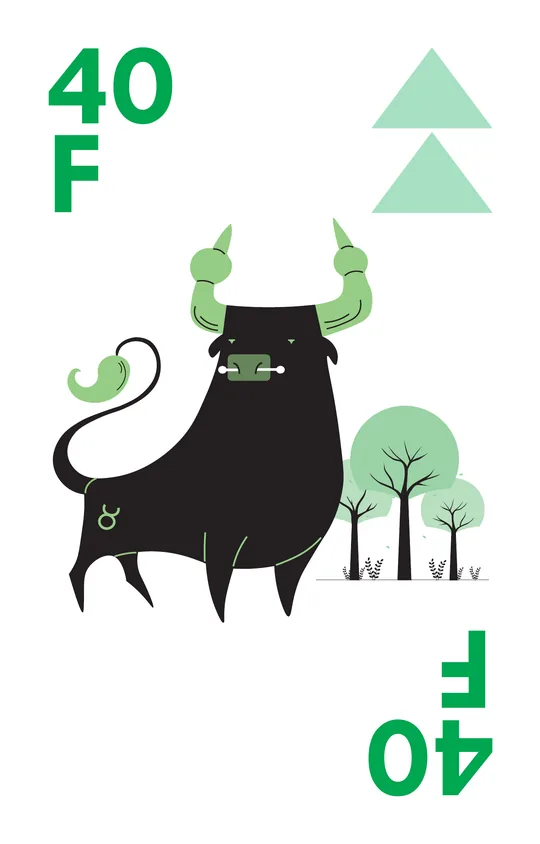
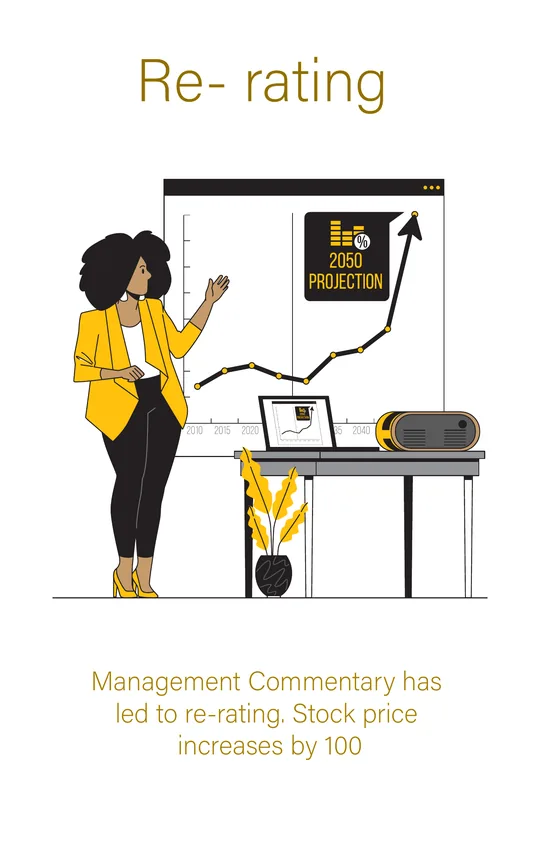
The special cards
Tap a card to turn it over and read what it does.
Full rules and every card: in the game, Menu › How to play.
Meet the AI players
Play against the computer, or let an AI take a seat in a Wi-Fi or online game. There are eight AI styles, ranked by how often each one wins. Their names follow the money you play with:
- 1Dalal Street ChanakyaAdaptive · Data-driven, adapts each round29.3%
- 2Bazaar ka SherAggressive · Bold, high-conviction bets25.9%
- 3Sasta ShikariContrarian · Buys the dip, sells the rally24.9%
- 4Lambi Race ka GhodaValue · Buys value, holds patiently21.3%
- 5Dividend SethIncome · Holds for bonus and dividends20.9%
- 6Rocket RiderMomentum · Rides momentum both ways19.4%
- 7Bhalu BhaiShort seller · Sells short what looks weak19.3%
- 8FD UncleConservative · Steady and diversified17.1%
Win rates from 10,000 games played by the AI players against each other. Yen ¥ and Won ₩ use the US names for now.
Join an online game
With the app
- Open Bull & Bear › Play online.
- To host: Create a room and share the 8-digit code or the WhatsApp invite. Rooms are created in the app only.
- To join: Join a room and type the code. Wi-Fi or mobile data both work.
Online rooms close after 5 minutes with nobody in them, or 30 minutes without a move.
In the browser
Works on iPhone, laptops and any phone. Type the room code from the host:
The game opens in your browser.
Members create new rooms in the Bull & Bear app.
Cast the game to your TV
The TV shows the board for everyone: prices, price cards turning over, trades and the leaderboard. Each player keeps their own cards on their phone.
Cast from your phone (best)
- On the TV, turn on screen mirroring (on most smart TVs it is ready already, or under Screen mirroring or Cast).
- In New game, set Show on TV to Cast TV board. Or, in a game, tap the TV button at the top › Cast TV board, and pick your TV.
- Come back to Bull & Bear. The TV switches to the board and fills the screen; your phone stays on your cards.
A USB-C to HDMI cable works too. If you leave the app, tap Keep the board on the TV in the cast screen so the TV doesn't show your phone.
Chromecast, Google TV or a Pixel phone
These can only copy a whole screen, so let a spare phone or tablet be the TV box:
- In the game, TV button › Chromecast, Google TV or a Pixel phone? shows a QR code.
- Scan it on the spare device and tap Full screen.
- Cast that device's screen to the TV. It shows only the board.
Online games: Menu › Show on a TV also gives a link any TV or laptop browser can open with the room code.